

Wireless Data Loggers
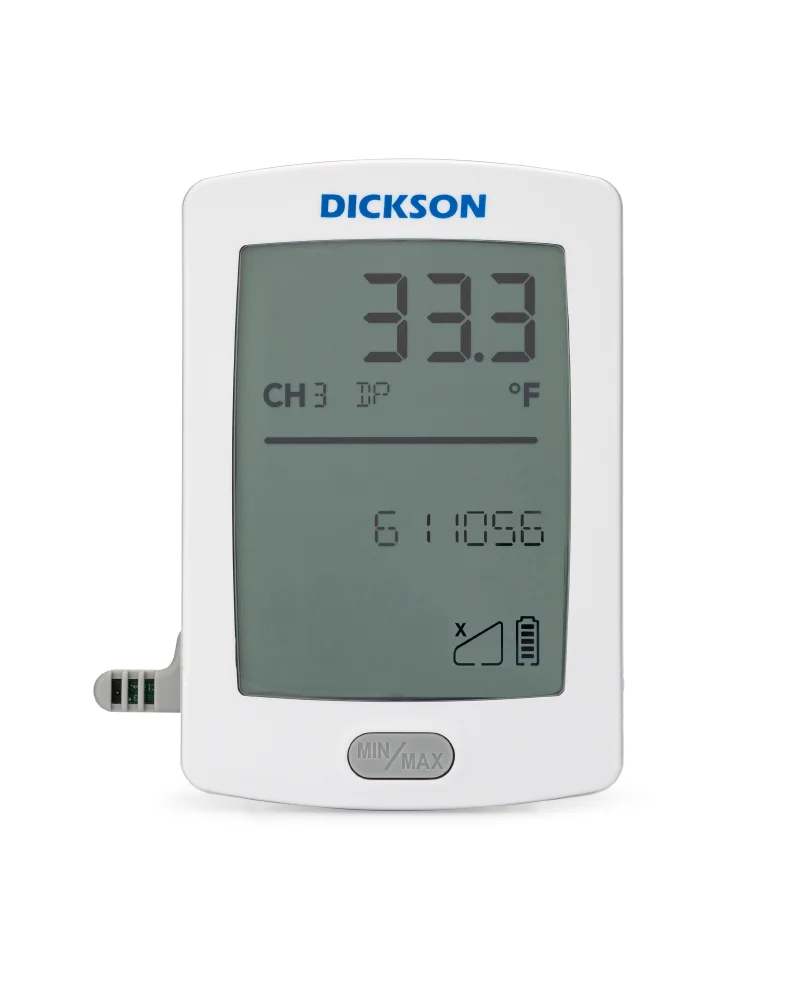
Wireless environmental readings
Place the logger. Connect the environment.
Dickson battery-operated RF data loggers send environmental readings through a compatible gateway to DicksonOne for remote review and configured notifications.
Dickson’s battery-operated RF logger family supports measurement points where a direct network cable or mains connection at each logger is impractical. A compatible RF gateway receives logger transmissions and passes them to the DicksonOne system.
The sensor, logger generation, regional radio configuration, gateway, and account must work together. Celsius can review your monitored locations and existing equipment before confirming a new system or an expansion.
- Battery operatedFlexible logger placement
- RF connectionCompatible gateway required
- Replaceable sensorSelected for the measurement
A coordinated wireless system
Plan the sensor and the connection together.
Hardware compatibility and wireless coverage need to be confirmed for the site.
Battery-powered placement
The RF family provides battery-operated logging for locations away from a local power outlet.
Replaceable sensors
Choose a compatible sensor for the required temperature or temperature-and-humidity measurement.
Gateway connection
Loggers communicate with a compatible RF gateway rather than connecting directly to the internet.
Cloud records & alerts
Use the appropriate DicksonOne subscription and configured settings to review readings and receive supported notifications.
System selection details
Confirm the exact logger configuration.
The catalogue photograph represents a Dickson RF logger; final model, radio region, and sensor details are confirmed with the proposal.
- DicksonOne Web Application EssentialsManufacturer user guide for DicksonOne v1.12.x, September 2024; interface details can vary by version · PDF
- Dickson RFL logger quick-start guideRFL LoRa logger setup and registration; confirm the supplied logger and regional gateway compatibility · PDF
- Dickson RF gateway quick-start guideManufacturer setup guidance for gateway power, Ethernet/Wi-Fi network configuration, and DicksonOne registration.
- Product family
- Dickson battery-operated RF environmental data loggers
- Measurement
- Determined by the compatible replaceable sensor
- Logger power
- Battery operated; options depend on model
- Wireless connection
- RF / LoRa system; regional hardware to be confirmed
- Gateway
- Compatible Dickson RF gateway required
- Remote access
- DicksonOne account and appropriate subscription
- Range and accuracy
- Sensor dependent; confirm the selected specification
From location to cloud record
Prepare the network before adding loggers.
Follow the instructions for the actual logger and gateway generation.
Select & survey
Define the measurement points, sensor requirements, and proposed gateway coverage at the facility.
Connect the gateway
Set up the compatible gateway on the approved network and register it to the correct DicksonOne account.
Add & verify loggers
Fit compatible sensors, register the devices, name their locations, and check readings and configured notifications.
Monitoring across the facility
Bring more measurement points into view.
Confirm sensor suitability and wireless coverage for each location.

Warehouse monitoring points
Discuss battery-operated logging around the storage zones your monitoring plan identifies.

Refrigerated storage
Select the sensor and equipment placement around the actual room or equipment conditions.
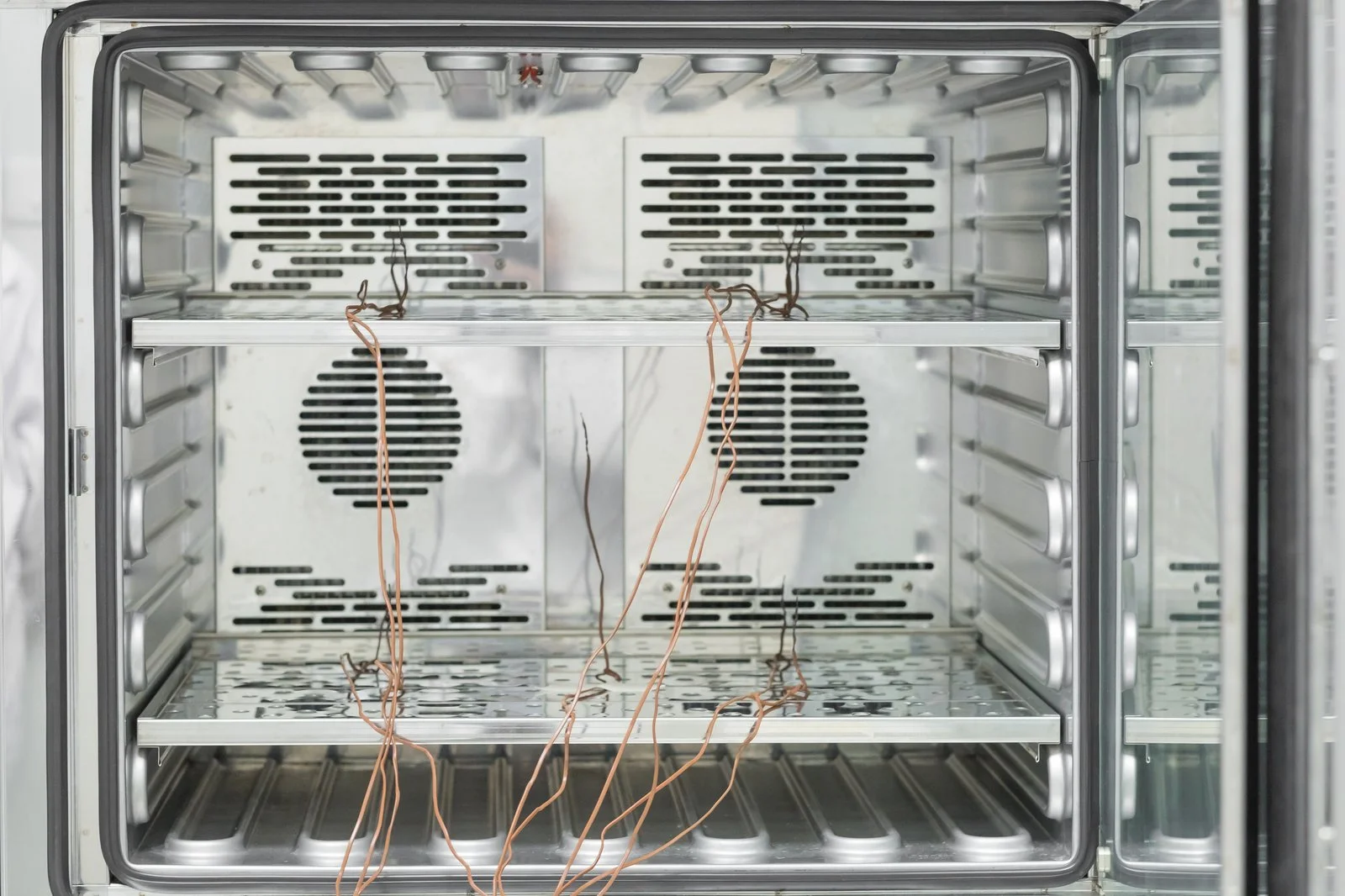
Laboratory environments
Coordinate readings from defined monitoring points with the responsible team’s records.
Wireless monitoring enquiries
Connect the points your team needs.
Share the monitored locations, required measurements, and any existing Dickson hardware so we can discuss a compatible system.
Enquire about this productCan the RF logger connect directly to Wi-Fi?
This Dickson RF family communicates through a compatible RF gateway. The gateway provides the network connection to DicksonOne; it must be selected and registered as part of the system.
Can these loggers extend our existing monitoring system?
Share the installed logger and gateway models, account region, sensors, and intended new locations. Compatibility and wireless coverage should be confirmed before selecting additional devices.