

Tempmate®-M2
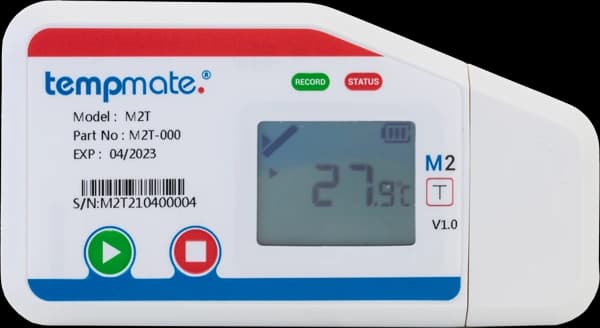
Reusable environmental recording
Record. Review. Prepare for the next campaign.
Reusable USB data logger with an LCD and automatic PDF/CSV reports. Choose M2 T for temperature or M2 TH for temperature and humidity.
The Tempmate®-M2 records conditions during storage or transport and provides reports through its built-in USB interface. Its LCD and LEDs give local information, while the replaceable battery supports use across repeated recording campaigns.
Choose the sensor version to suit the measurements needed: M2 T records temperature, while M2 TH also records relative humidity. External probes are separate options with their own ranges and configuration requirements. Confirm the variant and probe before setting up your study or shipment.
- Multi-useRepeat recording campaigns
- −30°C to +70°CInternal temperature sensor
- PDF & CSVUSB reports
Practical recording features
A reusable logger with accessible records.
Select the sensor, logging settings, and report workflow around your operating requirements.
Repeat campaigns
Start and stop the multi-use logger for successive recordings. Save the completed campaign before starting the next one.
Reports through USB
Retrieve automatically generated PDF and CSV files without dedicated readout hardware.
Configurable settings
Use the internal HTML configurator or tempbase 2 software to prepare supported recording settings.
Local status display
Review readings, recording status, and battery information on the LCD, with LEDs providing additional feedback.
Technical details
Match the sensor version to the task.
Internal-sensor specifications from the manufacturer. Probe ranges differ; recording duration depends on temperature and logging interval.
- Usage
- Multi-use
- Variants
- M2 T: temperature; M2 TH: temperature and relative humidity
- Internal temperature range
- −30°C to +70°C
- Temperature accuracy
- ±0.3°C from −20°C to +40°C; ±0.5°C elsewhere in range
- Temperature resolution
- 0.1°C
- Relative humidity range
- 0–100% RH, M2 TH only
- Memory
- 60,000 readings
- Recording duration
- Up to 6 months, depending on temperature and logging interval
- Battery
- CR2450, user replaceable
- Interface and reports
- USB 2.0 Type A; automatic PDF and CSV
- Protection
- IP65: M2 T; IP52: M2 TH
- Dimensions
- 100 × 53 × 12 mm; 54 g
A repeatable recording routine
Prepare each campaign with care.
Follow the manufacturer manual and your own placement and record-retention procedure.
Configure & start
Check battery and sensor selection, save the previous report, and confirm settings. Hold Start for at least five seconds and check the recording indication.
Place & record
Position the logger at the monitoring point defined for your application. Configure any external probe in tempbase 2 before starting.
Stop & save
Hold Stop for at least five seconds, connect by USB, and wait for report generation to finish. Save the files before restarting the logger.
Storage and transport applications
Choose the measurements your operation needs.
Match logger settings, sensor placement, and review procedures to the product and environment.

Repeated distribution routes
Build a record for recurring journeys, with a clear routine for saving each trip and preparing the returned logger for its next campaign.
Controlled storage checks
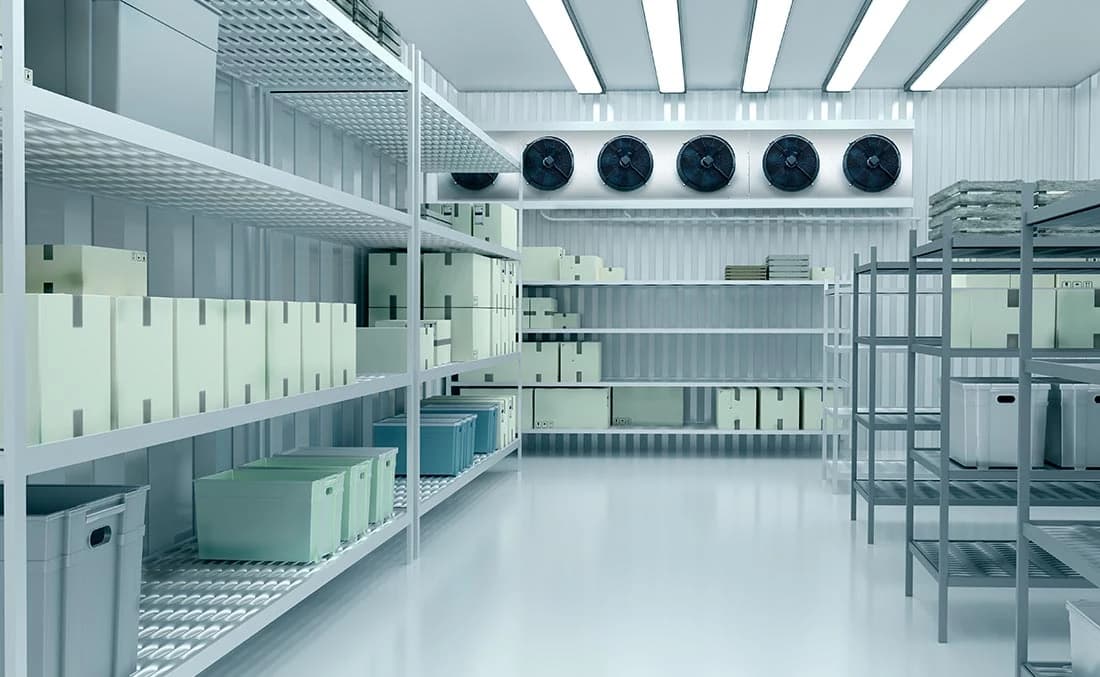
Record at defined locations in cold rooms or storage areas, selecting the appropriate sensor version for the parameters being reviewed.
Temperature and humidity studies
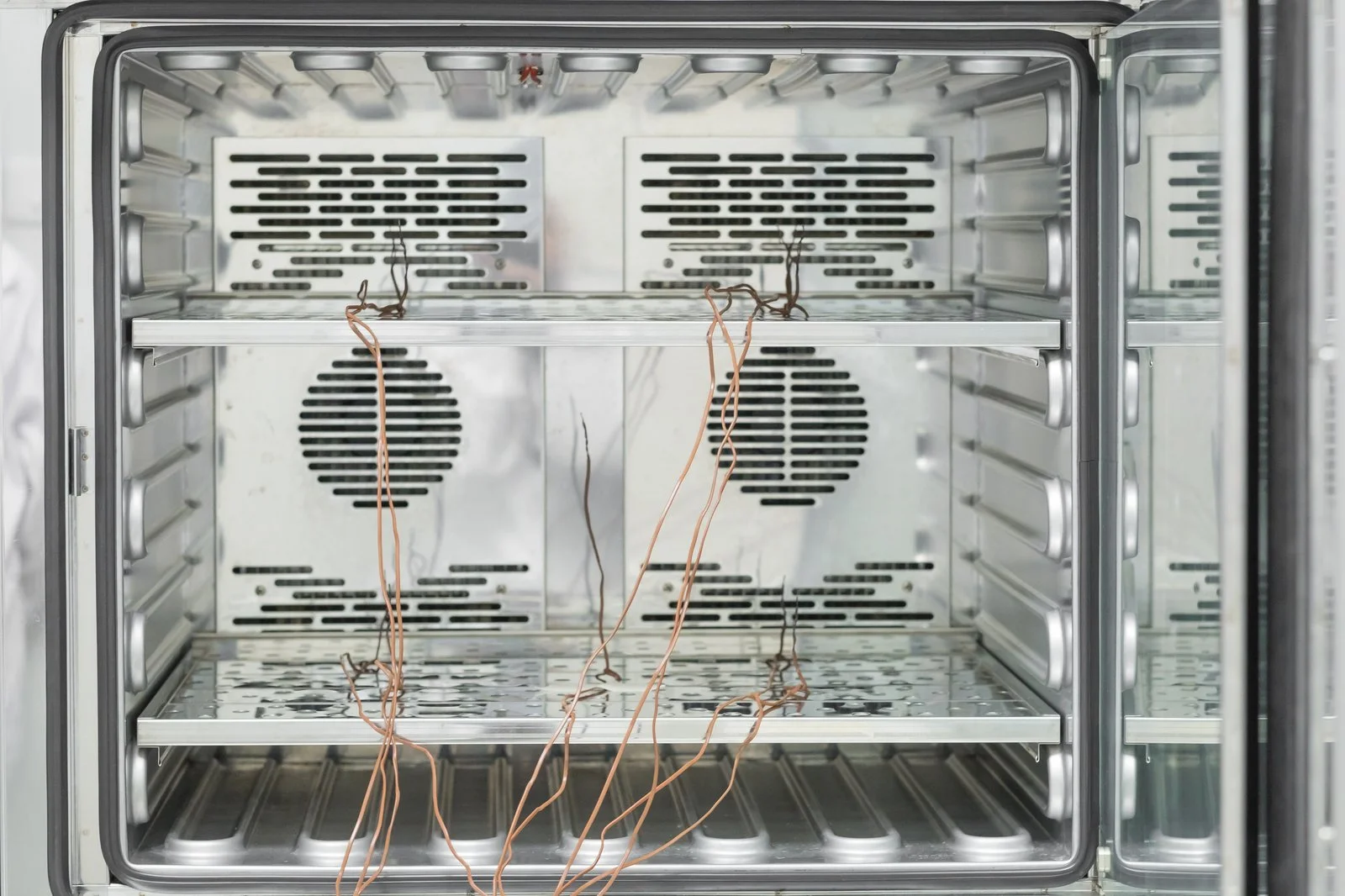
Discuss M2 TH when both parameters matter. Confirm any probe requirements and instrument suitability before planning the assessment.
Product enquiries
Plan your next recording campaign.
Share the parameters, measurement range, expected duration, and any external probe requirements so we can discuss the appropriate M2 version.
Enquire about this productDoes every M2 record humidity?
No. M2 T is the temperature version; M2 TH measures temperature and relative humidity. Probe options have separate capabilities, so confirm the supplied model and sensor arrangement for your application.
What should I do before restarting the logger?
Read and save the completed campaign first. The manufacturer manual states that recorded data is retained until the logger is started again. Check battery condition, configuration, and sensor selection before beginning another recording.