

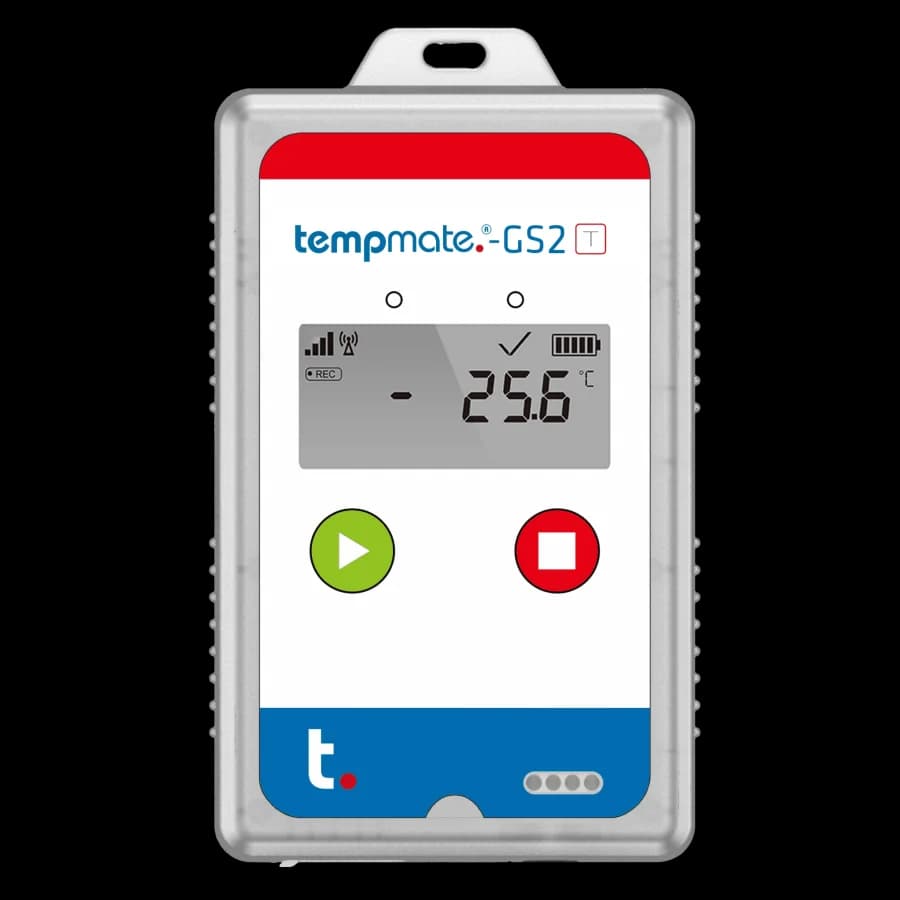
Tempmate®-GS2
Connected shipment visibility
Follow the journey. Review conditions remotely.
Cellular shipment logger connected to Tempmate Cloud, with temperature, location, and handling information according to the selected T, TH, or external-probe version.
The Tempmate®-GS2 sends shipment information to Tempmate Cloud over a cellular connection. It brings the selected environmental measurements together with handling events and location information, so responsible teams can review the record while the consignment is in transit.
GS2 T records temperature, light, shock, and tilt; GS2 TH adds humidity. The TE version uses an external temperature probe and does not measure humidity or light. Standard GS2 location uses LBS/GSM cell-tower positioning. Confirm the sensor version, battery option, route coverage, and cloud setup before use.
- 4G LTECellular data transmission
- CloudRemote record review
- T / TH / TESensor versions
Information during the journey
Connect the shipment with your review team.
Available readings and notification arrangements depend on the selected version and configuration.
Cellular reporting
LTE 4G Cat 1 with 2G fallback connects the logger to Tempmate Cloud where network coverage permits.
Sensor choice
Select T, TH, or TE to match the temperature range and additional measurements required.
Handling information
Shock and tilt information accompanies temperature and location records; light detection applies to T and TH.
Local recording during outages
When a cellular connection is unavailable, the logger retains readings internally for upload after connectivity returns.
Technical details
Confirm the exact GS2 configuration.
These specifications concern GS2, with variant distinctions stated explicitly. GS2+ is a separate model.
- Usage
- Single-use lifecycle; up to three starts within the permitted runtime
- Temperature range, T and TH
- −30°C to +70°C
- Temperature accuracy, T and TH
- ±0.3°C from −10°C to +45°C; ±0.5°C elsewhere in range
- External temperature range, TE
- −200°C to +100°C with the built-in PT100 probe
- Humidity
- 0–100% RH, TH version only
- Location
- LBS / GSM cell-tower positioning
- Connectivity
- LTE 4G Cat 1 with 2G fallback
- Local memory
- 24,200 readings
- Default measurement / upload interval
- 10 minutes / 240 minutes
- Runtime at default intervals
- Up to 120 days: lithium; up to 90 days: non-lithium
- Report access
- Tempmate Cloud and local USB interface
- Protection
- IP65
From cloud preparation to receipt
Set up the connection before dispatch.
Use the manufacturer manual to confirm registration, activation, and status indications.
Assign & configure
Register the device to your cloud account and prepare its settings. Confirm sensor version, route coverage, and notification requirements.
Start & position
Hold Start for at least five seconds, check the start indication, and allow the logger to receive its configuration before positioning it for the journey.
Review & close the campaign
Review uploaded readings in the cloud, stop the campaign as instructed, and retain the required reports with your shipment records.
Connected shipment applications
Select the sensing needed for the consignment.
Consider the goods, route, monitoring location, and the people responsible for reviewing changes.
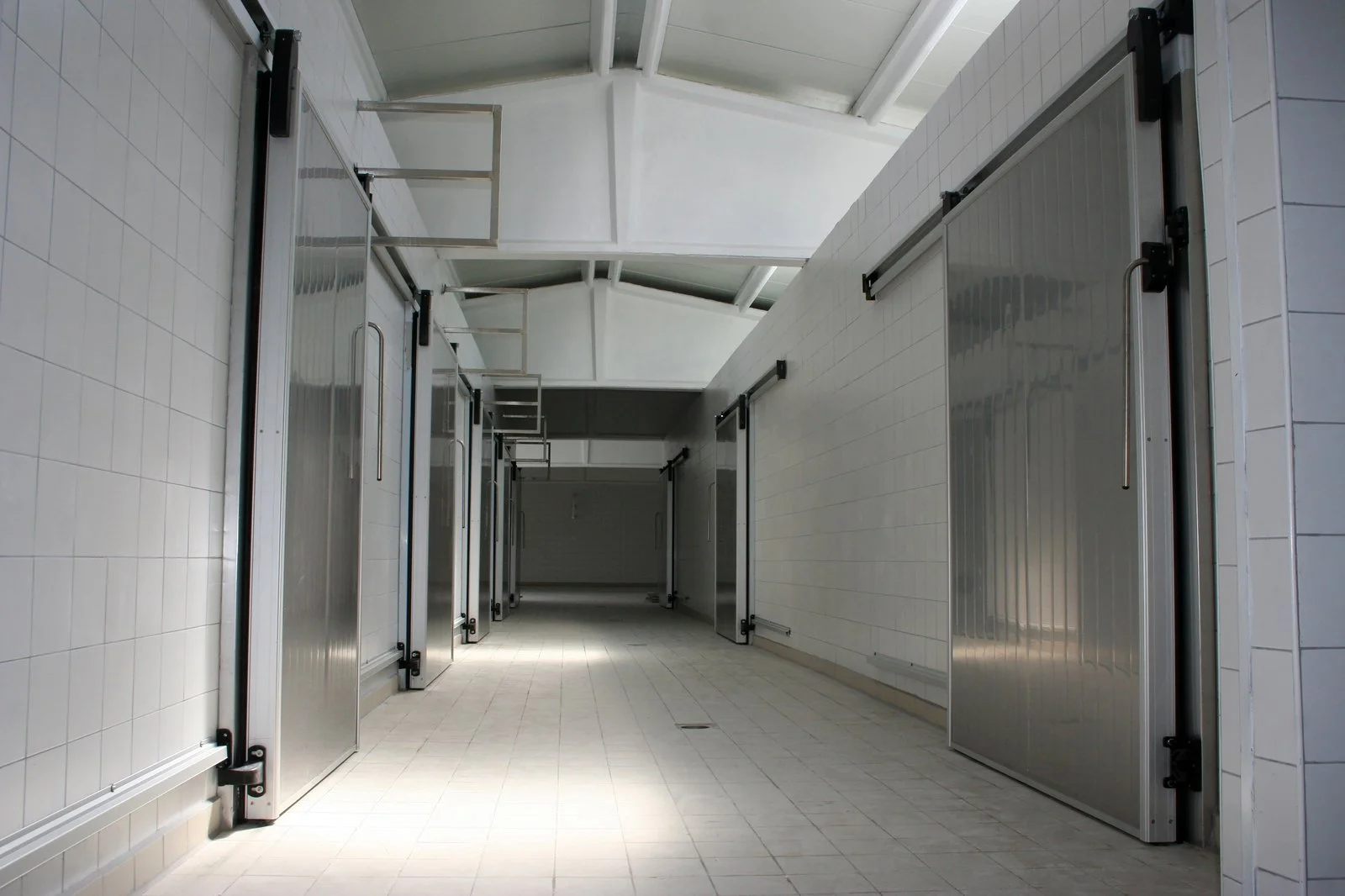
Pharmaceutical distribution
Connect selected shipment readings with a remote review routine and product-specific handling requirements.
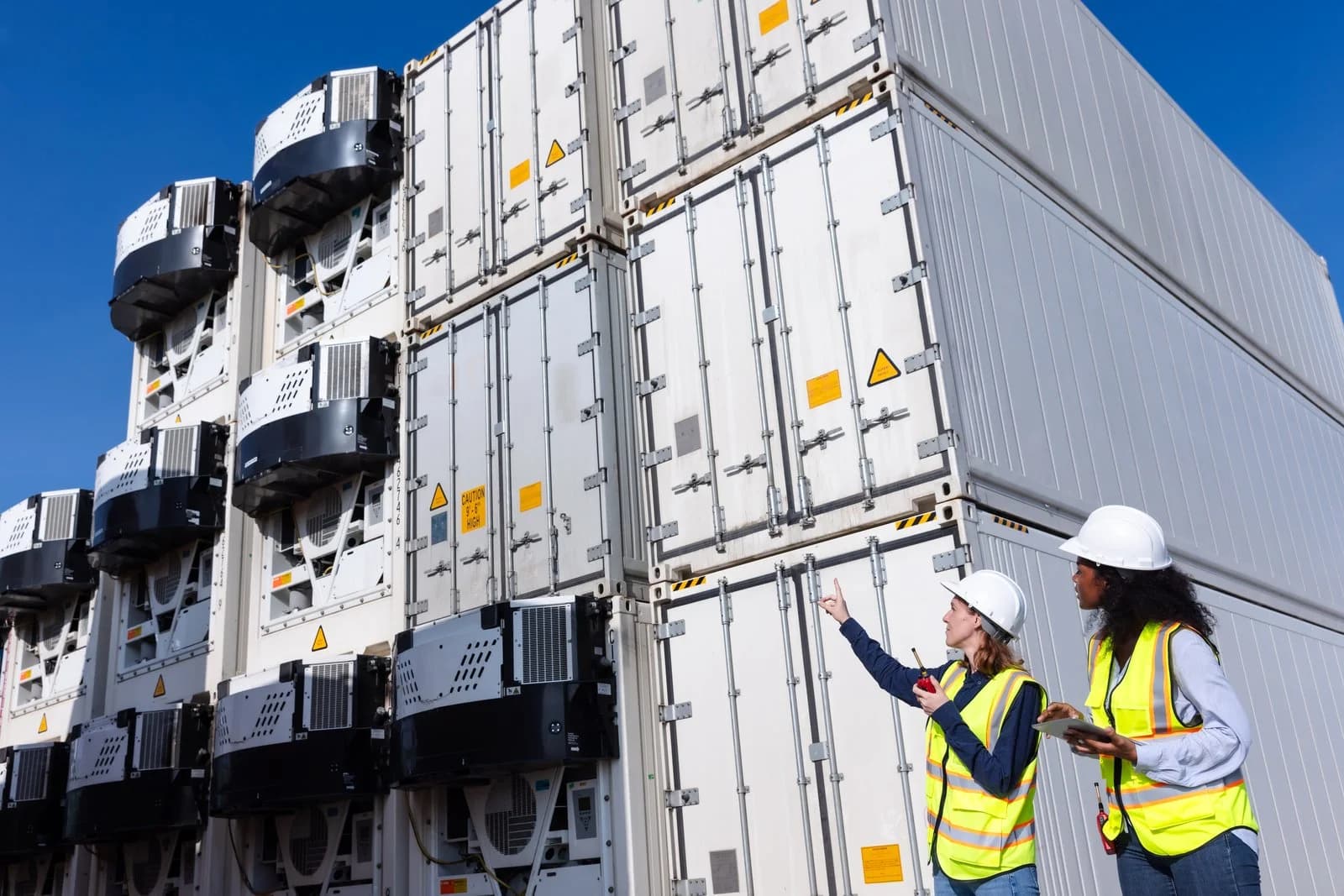
Food and perishable transport
Discuss temperature, location, and handling information for a defined route, including expected network conditions.
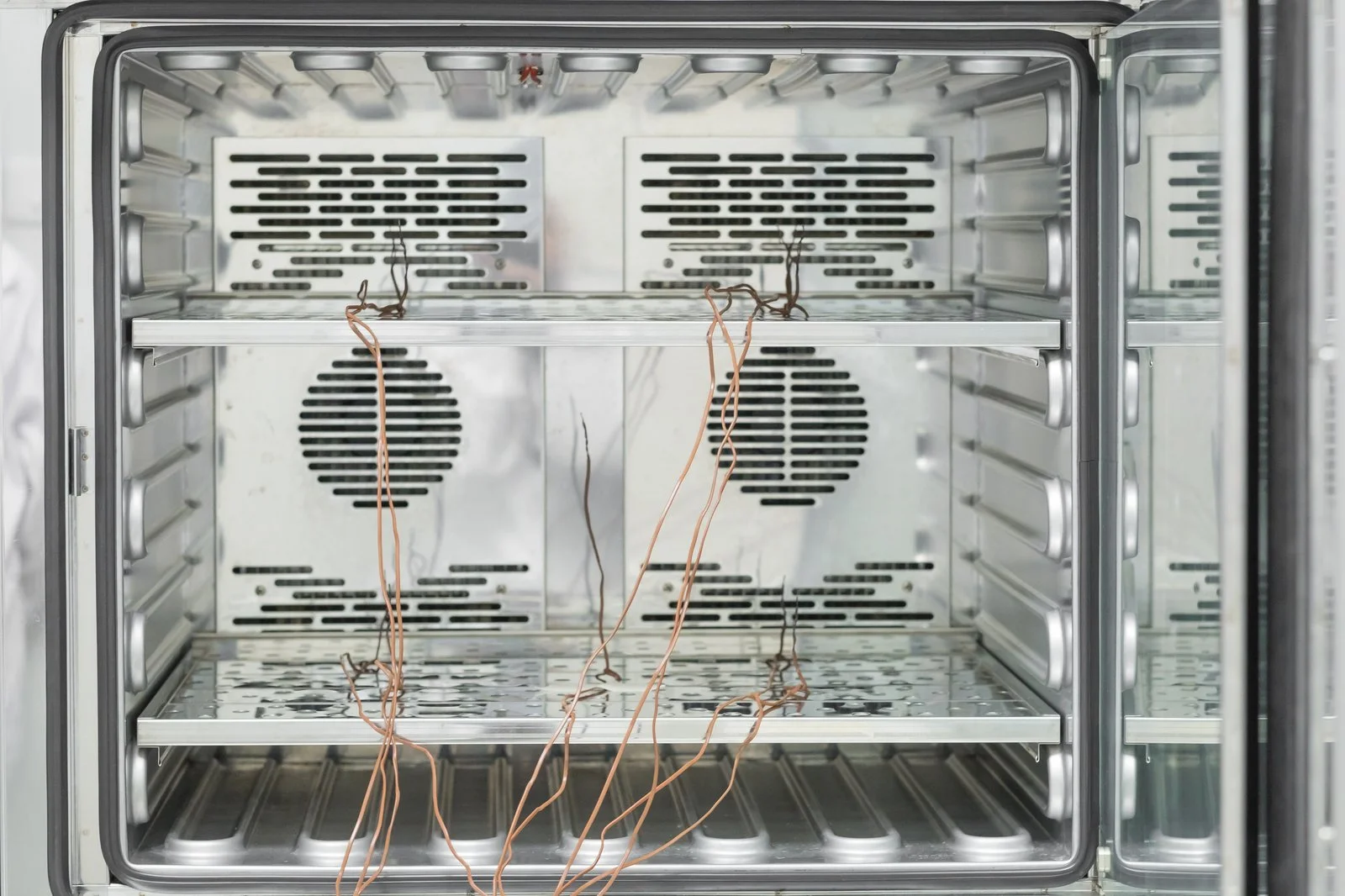
External-probe applications
Assess the TE version when the measurement point requires an external probe, confirming the range and installation arrangement for the shipment.
Product enquiries
Match the connected logger with the route.
Share the measurements, temperature range, route, journey duration, and battery requirements so we can discuss the suitable GS2 configuration.
Enquire about this productDoes the standard GS2 use GPS positioning?
The GS2 datasheet specifies LBS/GSM cell-tower positioning. The GS2+ is a separate model with different location capabilities. Confirm the location requirements and exact model before selecting the logger.
What happens if cellular coverage is interrupted?
The logger stores readings internally when it cannot transmit and uploads them when a connection returns. Remote visibility depends on coverage and the configured upload interval. Consider shielding and expected connectivity along the route when planning placement.