

Tempmate®-Cloud
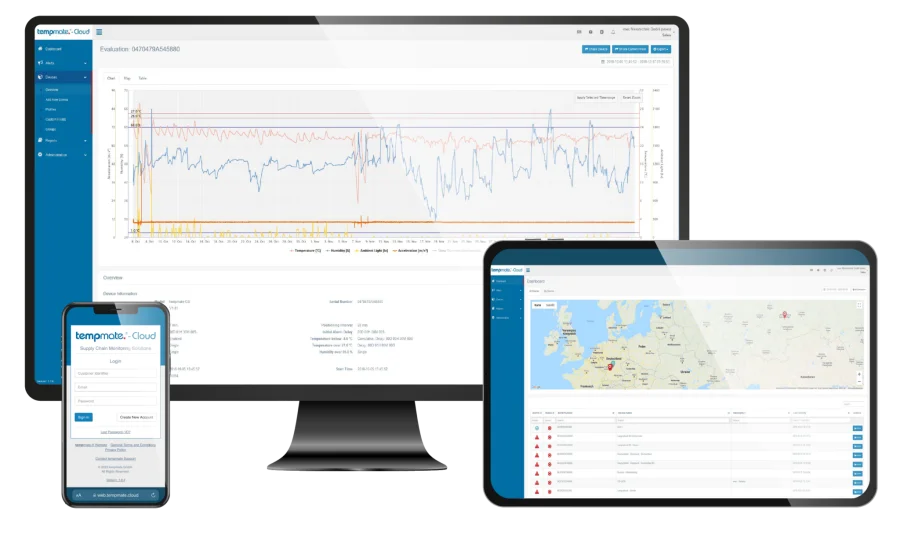
Connected data and shared records
Bring the records together. Give each team a common view.
A shared platform for compatible Tempmate logger records, live data from connected devices, and supported USB report uploads for retrospective review.
Tempmate®-Cloud brings compatible logger information into one review platform. Connected devices send measurements automatically, while supported offline logger reports can be uploaded after retrieval. The available measurements come from the selected logger and its configuration.
Use the platform around a defined review process: identify the device, connect it with the shipment or storage activity, and decide who needs access to the results. Confirm account features, device compatibility, notification settings, and any integration requirements before selecting the arrangement.
- Central viewCompatible logger records
- Multi-userShared review workflow
- PDF & CSVReport export options
A common review workspace
Connect devices, reports, and responsible users.
Available functions depend on the selected devices, account, and configuration.
Connected logger records
Review transmitted information from compatible real-time loggers, including supported environmental and journey data.
Offline report uploads
Smart Data Management accepts supported USB logger PDF reports for later analysis and sharing.
Reporting and sharing
Review diagrams and tables, share selected records, and export reports in PDF or CSV formats.
Users and notifications
Manage user access and configured notifications. Email and SMS options relate to supported connected monitoring arrangements.
Platform details
Check compatibility with your workflow.
This is software. Sensor ranges, recording intervals, and location methods are determined by the logger.
- Product type
- Cloud platform for compatible logger records
- Connected device examples
- Tempmate GS2 and GM2 families
- Supported offline examples
- S2, C1, and M2 PDF report upload through Smart Data Management
- Report exports
- PDF and CSV
- Review tools
- Diagrams, tables, and shared reports
- Access
- Cloud account with user access settings
- Integration
- API available; implementation requirements to be confirmed
From devices to review
Agree how information will reach the team.
Plan device identification, user access, and review responsibilities before operation.
Define the account
Confirm compatible devices, account requirements, user permissions, and the records your operation needs to review.
Connect the records
Assign supported real-time loggers to the account or upload supported offline PDF reports after readout. Check the device and shipment references.
Review & share
Review the available readings and reports, configure supported notifications, and share or export the required records within your procedures.
Team review applications
Use a shared record across handovers.
Choose the logger and review process together so the information suits the operational decision.

Shipment oversight
Give responsible users a shared view of available journey records and connect monitoring responsibilities across dispatch and receipt.
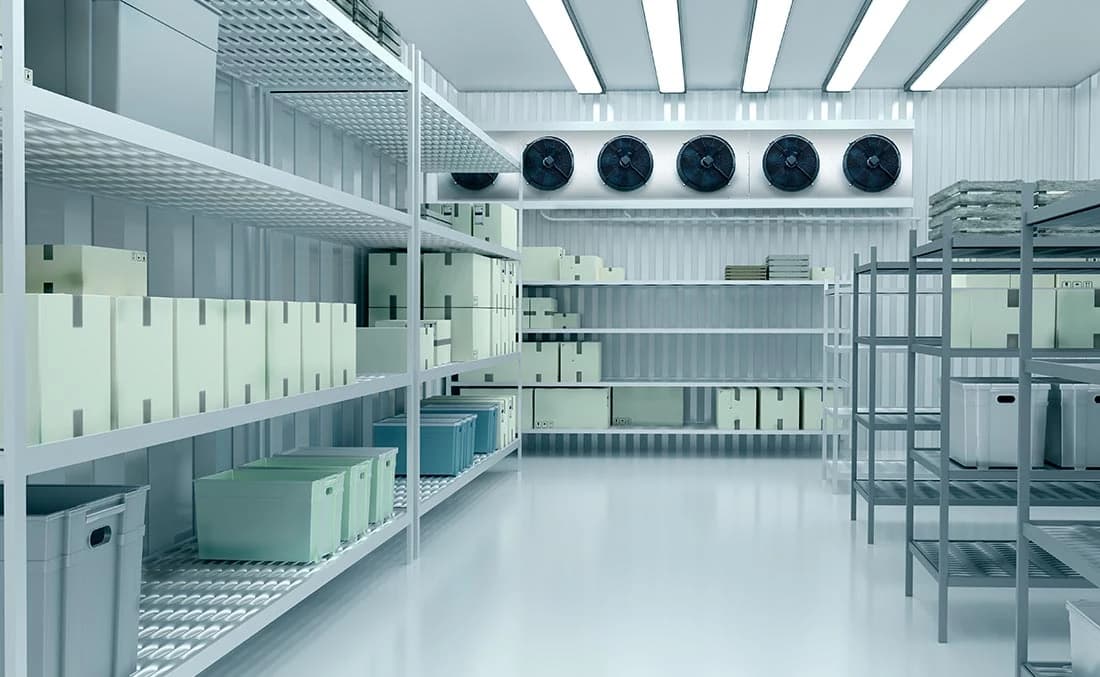
Storage record review
Organize supported environmental records around the area, device, and period being assessed by your facilities or quality team.

USB logger report management
Plan a consistent upload and identification routine for supported reports, keeping the receiving and review teams aligned on the campaign details.
Product enquiries
Plan the devices and the review process together.
Share your logger models, monitoring locations, reporting needs, and user responsibilities so we can discuss the platform arrangement.
Enquire about this productDoes uploading a USB report make an offline logger live?
An uploaded report is a retrospective record from the completed or retrieved campaign. Live transmission requires a compatible connected logger and suitable connectivity. Smart Data Management brings supported offline records into the same review environment.
Can every logger be connected to Tempmate Cloud?
Compatibility depends on the device and workflow. The manufacturer lists specific real-time and offline models for its services. Share the exact models, report formats, access needs, and notification requirements so the appropriate account arrangement can be confirmed.