

Tempmate®-B
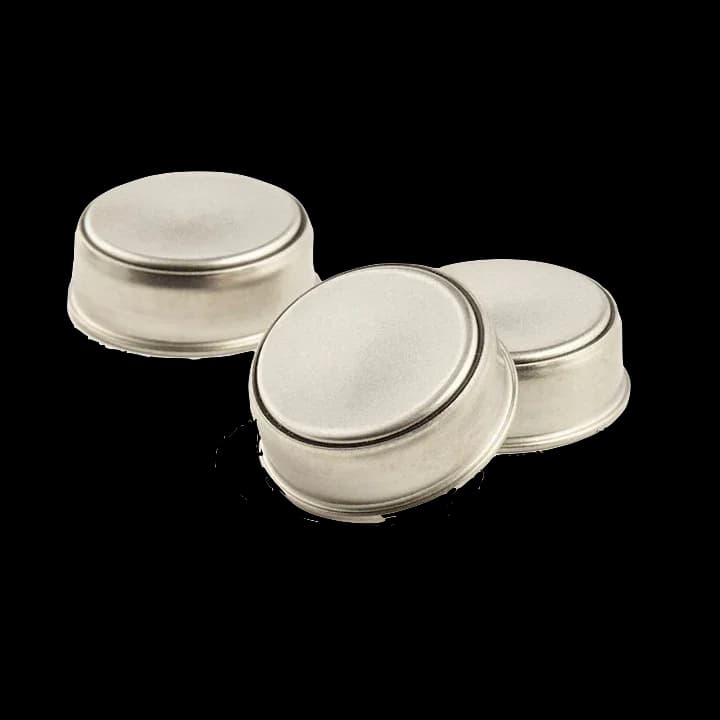
Compact temperature recording
Choose the button logger. Match the measurement task.
Reusable stainless steel button temperature loggers, programmed and read using a separate USB adapter and TempIT software. Select the B-series version for the required range.
The Tempmate®-B family records temperature in a compact stainless steel format. A separate USB adapter connects the button logger with TempIT software for programming and retrieving the campaign record.
B1, B2, B3, and B5 address different temperature and recording requirements. The family name does not represent one common range, accuracy, or battery duration. Confirm the model, interface, software edition, and any protective enclosure needed for the intended conditions.
- Stainless steelButton logger housing
- ReusableRepeat recording campaigns
- TempITAdapter-based setup and readout
A configurable button format
Prepare the logger for its placement.
The device, reader, and software form the recording workflow.
Small stainless steel body
A compact format suits monitoring locations where the available space needs to be considered carefully.
Variant selection
Choose among the temperature ranges offered by B1, B2, B3, and B5 rather than applying one series-wide specification.
Adapter-based readout
Use the compatible USB interface and TempIT software to configure the logger and retrieve readings.
Software review
TempIT-Lite provides graphical review; additional analysis and export functions depend on the software edition.
Series selection details
Confirm the exact B-series version.
Manufacturer model distinctions. Ask for the selected unit’s full specification before deciding on range, accuracy, duration, and protection.
- Usage
- Reusable temperature button logger
- Housing
- Stainless steel
- B1 temperature range
- −40°C to +85°C
- B2 temperature range
- −40°C to +85°C
- B3 temperature range
- 0°C to +125°C
- B5 temperature range
- +15°C to +140°C
- Computer connection
- Separate compatible USB adapter
- Software
- TempIT; review and export capabilities depend on edition
- Protection
- IP55; optional IP68 enclosure listed separately
- Battery
- Permanently installed 3.0 V lithium battery
Programming and readout
Keep the adapter and campaign records together.
Confirm reader compatibility and software requirements before deployment.
Install & configure
Install the appropriate TempIT software before connecting the interface. Select the logger type and prepare the sampling and campaign settings.
Issue & position
Issue the logger through the software, confirm settings, and place it according to your monitoring plan and the selected model’s limits.
Read & save
Return the logger to its reader and retrieve the data in TempIT. Save the campaign before reissuing, which clears the stored record.
Defined temperature-monitoring tasks
Assess the model around the environment.
Check exposure, attachment, range, and protection requirements for the proposed measurement point.

Restricted monitoring spaces
Consider a button format where positioning space is limited, with an agreed method for locating and recovering the device.

Industrial temperature checks
Discuss the appropriate series member and enclosure for the expected conditions before planning a recording campaign.
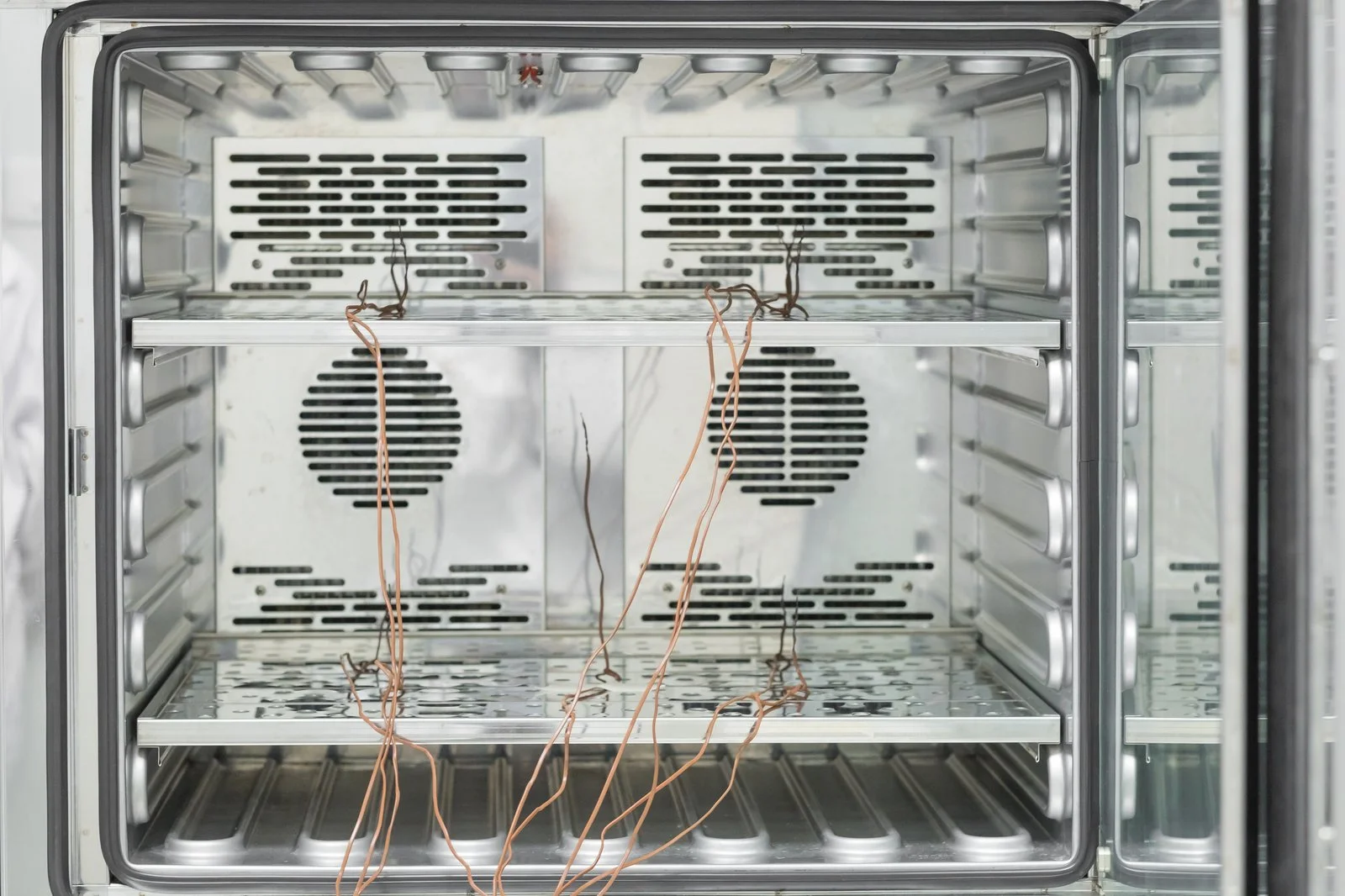
Repeat storage studies
Build a process for identifying each logger, retaining its campaign data, and preparing the next recording without losing earlier results.
Product enquiries
Select the model and its readout equipment.
Share the measurement range, available space, expected exposure, recording duration, and software needs so we can discuss a suitable B-series arrangement.
Enquire about this productDoes one specification apply to every Tempmate B logger?
No. B1, B2, B3, and B5 have different specifications. The selected model determines the usable range, accuracy, and recording characteristics. Share your measurement conditions so we can discuss the appropriate version.
Can the button logger plug directly into a USB port?
The B-series uses a separate compatible USB adapter and TempIT software for setup and readout. Confirm the required reader and software edition, including any analysis or export functions needed for your records.