

OCEAView Cloud by Dickson (Oceasoft)
Oceasoft environmental monitoring
Monitor critical conditions. Review records from one dashboard.
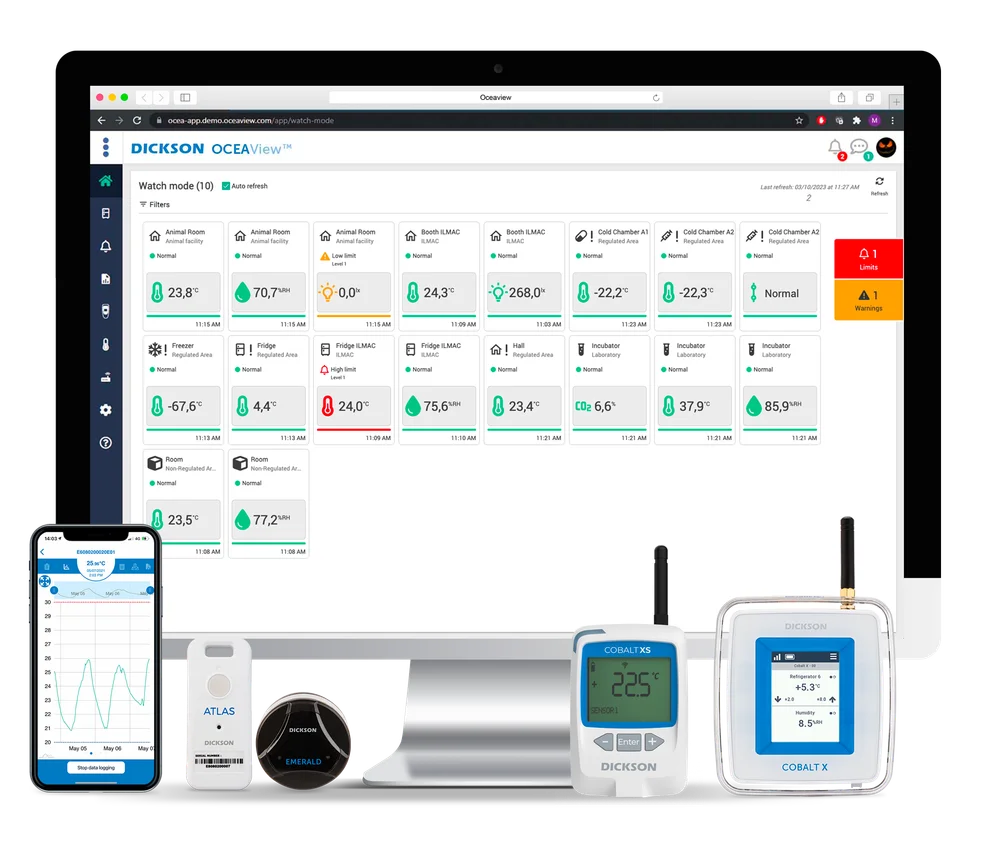
Review environmental readings, configure alerts, and schedule reports with OCEAView Cloud and compatible Cobalt X and Cobalt XS data loggers.
OCEAView Cloud is Dickson’s environmental monitoring platform for compatible wireless data loggers and sensors. It brings readings, alarm history, and reports together for teams monitoring storage rooms, refrigeration equipment, or controlled environments.
The Cobalt X supports multiple sensor inputs and offers touchscreen controls. The compact Cobalt XS uses LoRaWAN and works with compatible external temperature and humidity sensors.
- Remote accessReadings from connected monitoring points
- Configurable alertsNotifications for readings outside agreed limits
- Scheduled reportsEnvironmental records for review
Monitoring and traceability
See readings, alerts, and history.
Configure the platform around the monitored equipment, site network, and records your team needs.
Remote dashboard
Review current readings and trends for connected sensors and equipment.
Configurable notifications
Set thresholds and recipients for notifications when readings move outside the agreed limits.
Reports and records
Schedule reports and review sensor readings, alarms, and logged system events.
Compare compatible loggers
Choose Cobalt X or Cobalt XS.
Confirm the required measurements, sensors, and gateway configuration before selecting a logger.
- Cobalt X
- Colour touchscreen, LoRaWAN and Bluetooth Low Energy, and up to four compatible wired or wireless sensors
- Cobalt XS
- Compact LoRaWAN model with a button-operated LCD and support for compatible external temperature and humidity sensors
- Measurements
- Temperature and relative humidity with compatible sensors. Cobalt X supports additional parameters depending on the sensor selected.
- Connectivity
- Plan the compatible LoRaWAN gateway and internet connection for remote cloud access.
Plan the monitoring setup
From sensor selection to alerts.
Define measurement points, network coverage, and who will respond to alerts.
Select loggers and sensors
Choose Cobalt X or Cobalt XS and compatible sensors for each measurement point.
Connect the equipment
Check LoRaWAN coverage and register the loggers and gateway in the OCEAView account.
Test alerts and reports
Configure limits, recipients, and reports, then verify the agreed settings before relying on them.
Cold chain and controlled environments
Monitor storage and equipment.
Select monitoring points according to the facility, its equipment, and the products stored.
Cold rooms
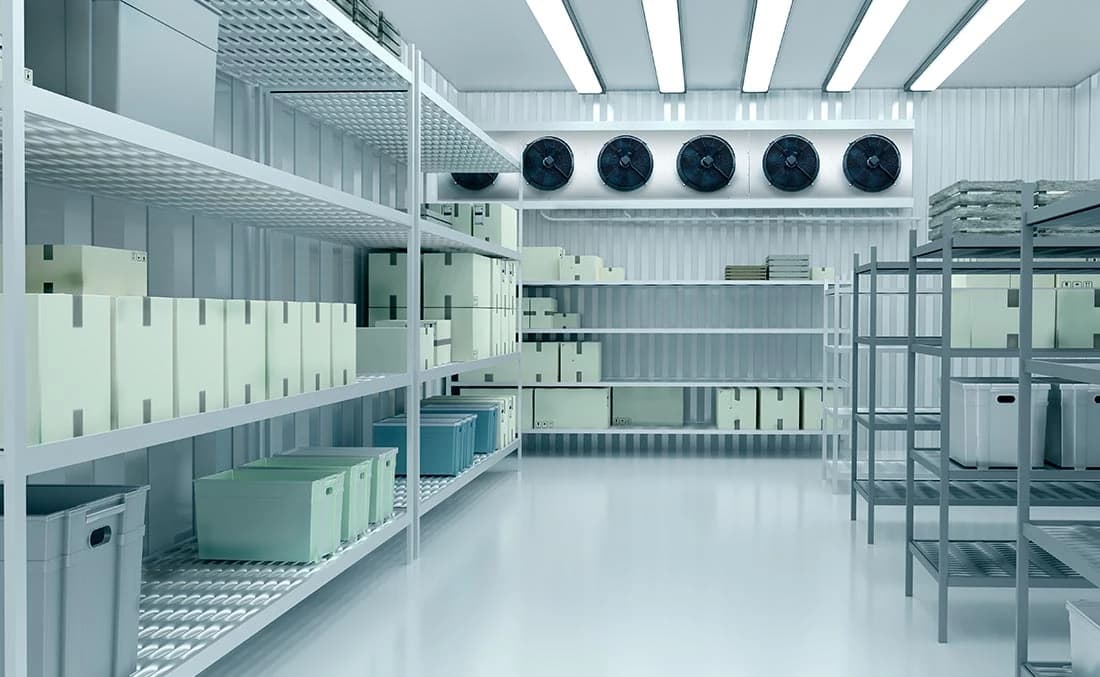
Monitor temperature at defined points in refrigerated storage.

Laboratory storage
Track conditions in refrigerators and other equipment holding temperature-sensitive samples.
OCEAView enquiries
Plan monitoring for your site.
Share the rooms or equipment to monitor, required measurements, sensor locations, and reporting needs.
Enquire about OCEAView CloudHow do Cobalt X and Cobalt XS differ?
Cobalt X has a colour touchscreen and supports up to four compatible sensors. Cobalt XS is a compact LoRaWAN logger with button controls for temperature and humidity monitoring with compatible external sensors.
What connects the loggers to OCEAView Cloud?
For a LoRaWAN setup, a compatible gateway relays readings from the loggers. Confirm gateway placement, coverage, and internet connectivity for your facility.