

Fresh Tracker 1 Wireless Logger
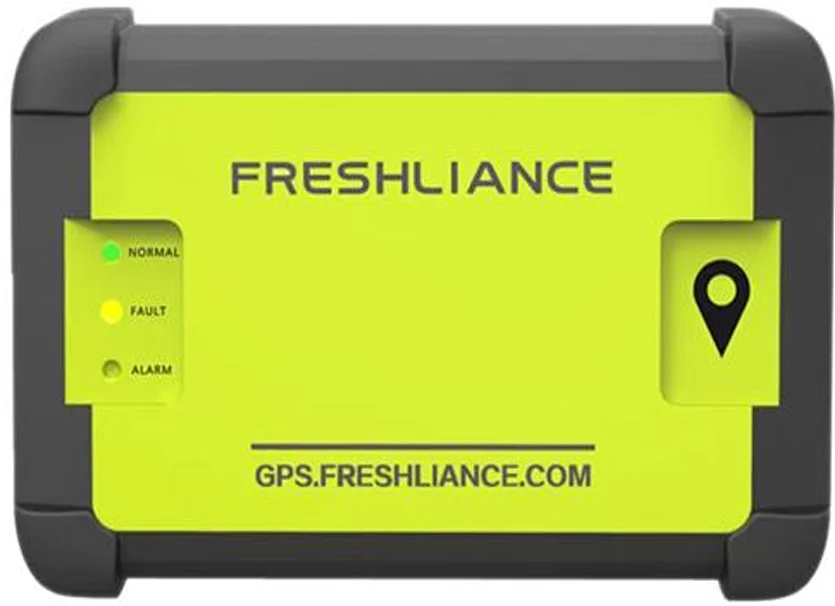
Connected environmental records
Review the readings. See the location context.
A connected temperature and humidity logger with cloud and app access, configured alerts, and LBS geolocation in the current manufacturer series.
Fresh Tracker 1 brings temperature, humidity, and geolocation records into the Freshliance app and cloud platform. It is designed for teams that need access to shipment conditions while the recording task is still underway.
The current manufacturer series datasheet specifies 4G connectivity and LBS positioning. Confirm the supplied hardware, network coverage, use type, and account arrangements when selecting a unit. These details determine the connection and location information available for your application.
- 4GCurrent series connectivity
- LBSCurrent series positioning
- App & webRemote records and alerts
Remote monitoring tools
Keep the recording task in view.
Set the intervals, alarms, and recipients around the information your team needs to review.
App and cloud access
View the logger and its recorded information through Freshliance’s mobile app or web platform.
Configured remote alerts
Email, SMS, and app push notifications support the alarm configuration selected for the task.
Data after reconnection
Offline readings are uploaded after network recovery, allowing the stored record to reach the platform when a connection becomes available.
Configurable timing
The current series supports configurable logging and uploading intervals, so recording frequency and remote update frequency can be set separately.
Current series details
Confirm the supplied unit against the application.
These details follow the current Fresh Tracker 1 series datasheet. Hardware and use configurations should be confirmed when ordering.
- Recorded information
- Temperature, humidity, and location
- Cellular connection
- 4G LTE Cat 1 with 2G fallback
- Positioning technology
- LBS
- Temperature range
- −30°C to +70°C
- Humidity range
- 0–100% RH
- Logging interval
- 1 minute to 2 hours; user configurable
- Uploading interval
- 5 minutes to 8 hours; user configurable
- User access
- Web platform and mobile app
- Use options
- Single-use and reusable series variants; confirm the supplied model
From setup to review
Add. Start. Follow.
Use the platform instructions for the supplied logger and confirm its service configuration before deployment.
Add and configure
Add the device to the platform or app. Set recording, upload, and alarm parameters for the task, with the required recipients.
Start and deploy
Switch on the logger according to its instructions and place it with the goods at the defined location. Confirm records are visible in the account.
Review and close
Review the available data during the task, then stop the logger through the app or platform and export the record using the supported controls.
Cold chain records in progress
Review conditions before the final handover.
Assess the device, connection, and settings against the requirements of the goods and intended journey.
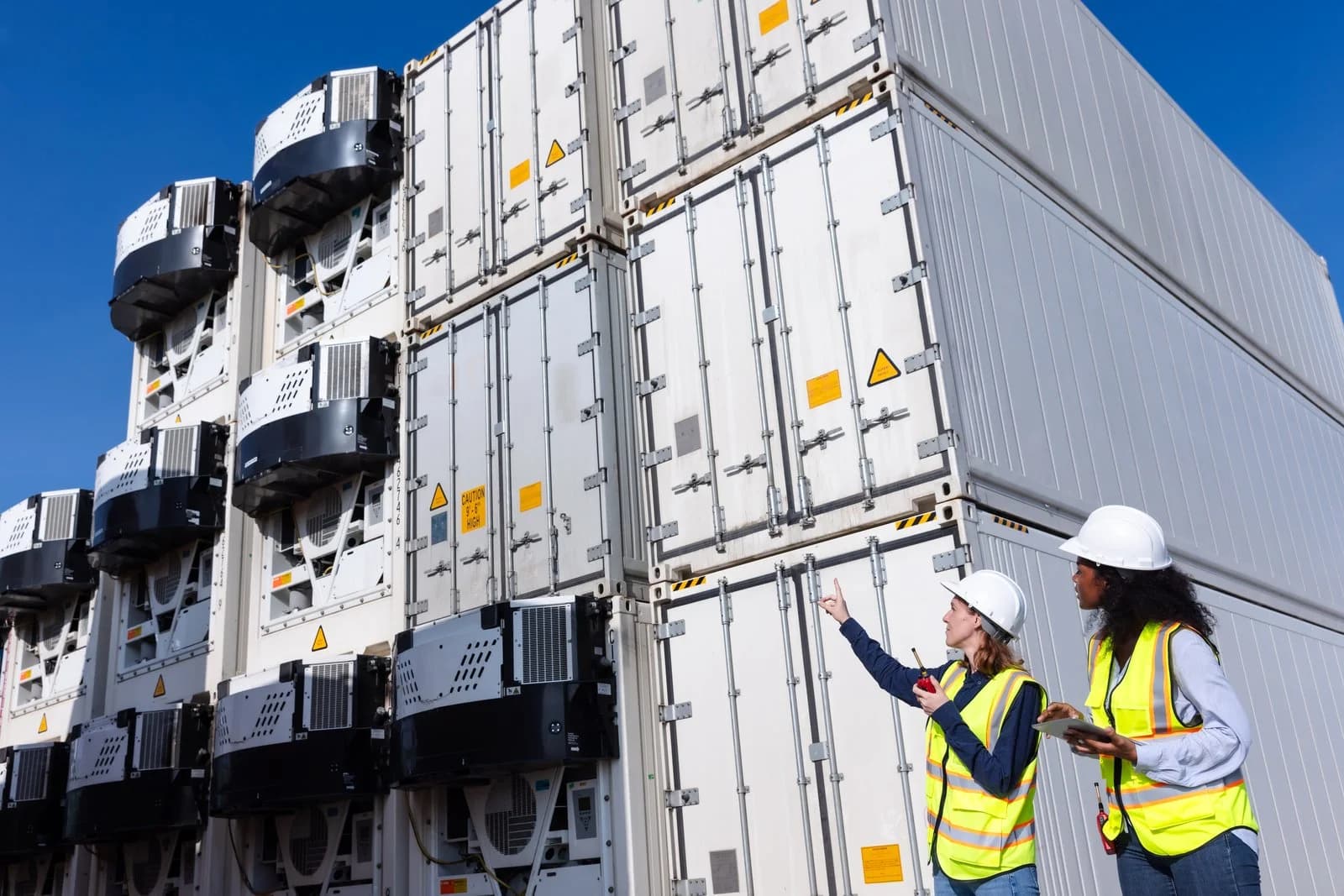
Food and produce transport
Use environmental readings and location context to review the conditions around perishable goods during the recording task.
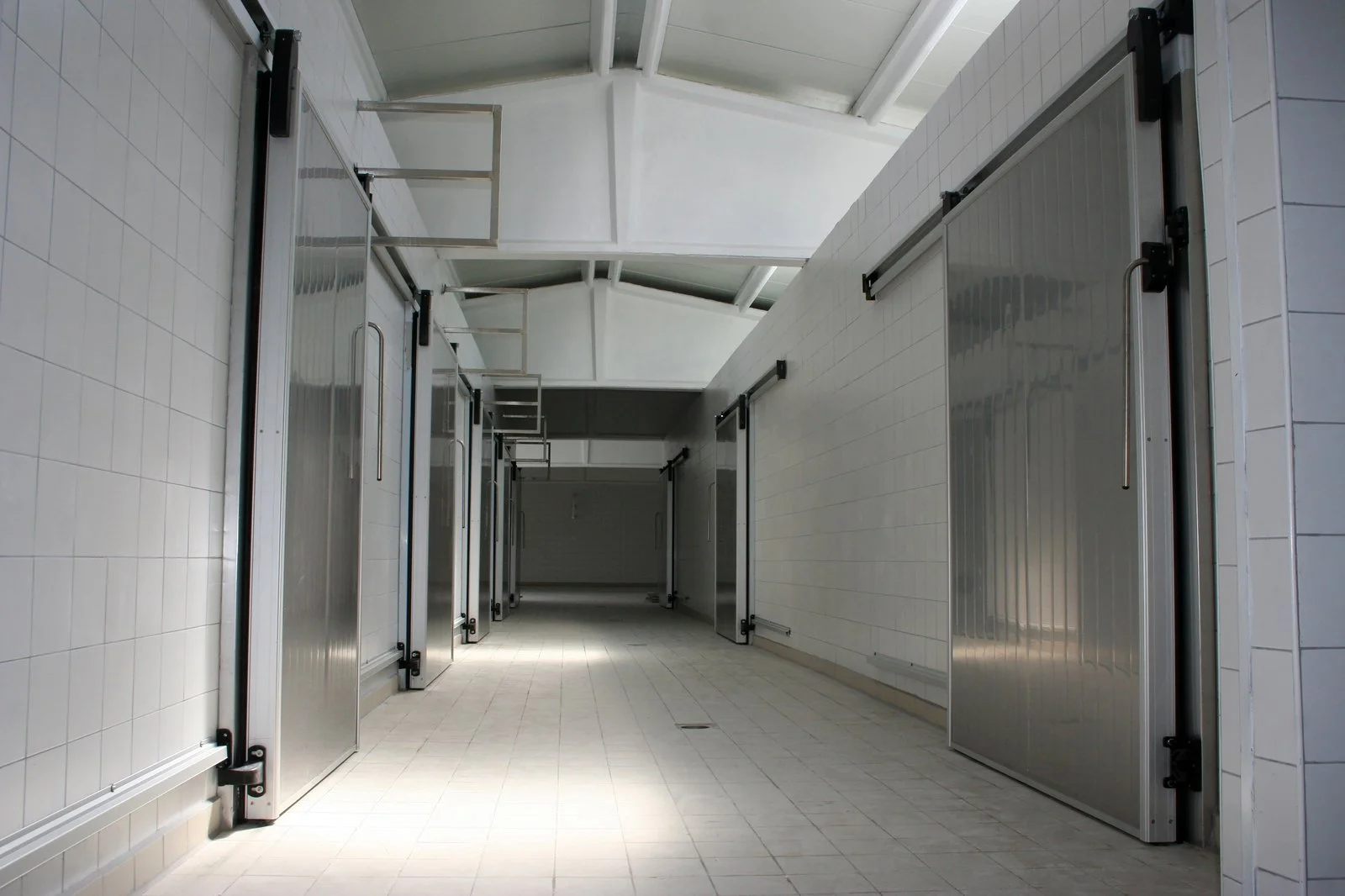
Pharmaceutical logistics
Connect the shipment record with defined temperature and humidity requirements and the team responsible for reviewing configured alerts.

Storage and distribution
Review the suitability of the connected logger for goods held in the selected storage or handling environment.
Product enquiries
Confirm the unit and connection for your route.
Share the required measurements, route, expected task duration, update frequency, and alert requirements. We can discuss the supplied model and account configuration.
Enquire about this productDoes the current Fresh Tracker 1 use GPS positioning?
The current manufacturer series datasheet specifies LBS positioning. Location capability should be checked for the unit being supplied rather than assumed from an older product label or listing.
Can I view the records when the device has no network connection?
Remote updates depend on network availability and the configured upload interval. The manufacturer states that offline data are uploaded after network recovery. Review the connection and upload requirements before deploying the unit.