

Fresh Keeper / Atlas Log Series
Choose the sensing arrangement
Keep the display accessible. Measure where it matters.
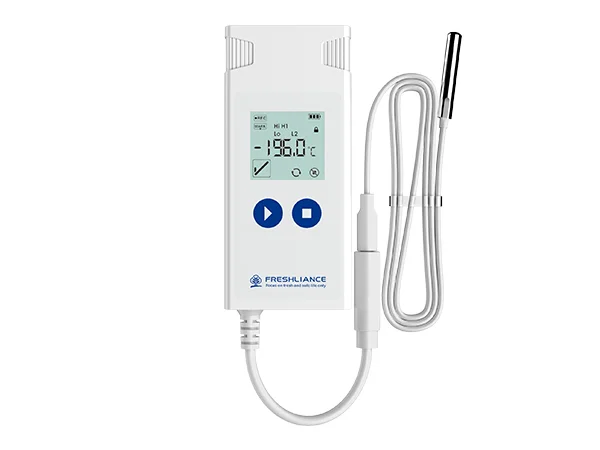
Choose configurable USB data loggers with local displays, including Fresh Keeper built-in sensing and Atlas Log external-probe models.
Fresh Keeper and Atlas Log offer different ways to record conditions. Fresh Keeper 1 uses built-in temperature and humidity sensing. Atlas Log models use an external probe, allowing the sensing point to be separated from the display and USB connection.
Select the model for the measurement you need. Atlas Log-30 measures temperature, while Atlas Log-TH measures temperature and humidity; other Atlas models have different probe ranges. The family listing covers these choices rather than one universal range or operating duration.
- Model optionsBuilt-in or external sensing
- LCDLocal readings and status
- USB reportsPDF and CSV options
Practical recording options
Match the logger to the measurement point.
Confirm the individual model, probe, and use configuration before selecting the device.
Different sensor arrangements
Use Fresh Keeper 1 for built-in temperature and humidity sensing, or choose an Atlas Log external-probe model for the required measurement location.
Configurable parameters
Set the supported recording and alarm parameters with the manufacturer’s configuration tools before use.
Local screen information
LCD displays provide readings and trip status at the device, helping the operator review the logger during the recording task.
USB reporting
The selected model generates reports through USB. Temporary report modes are available, allowing an interim review using the supported procedure.
Model comparison
Select the model before specifying the range.
The following distinctions apply to the named models. Confirm the precise variant, probe, and report configuration with your enquiry.
- Fresh Keeper 1
- Reusable logger with built-in temperature and humidity sensors
- Fresh Keeper 1 temperature range
- −30°C to +70°C
- Fresh Keeper 1 humidity range
- 0–100% RH
- Atlas Log-30
- External temperature probe; −30°C to +70°C
- Atlas Log-TH
- External temperature and humidity probe; −40°C to +85°C and 0–100% RH
- Other Atlas Log models
- Different external probe ranges; specify the exact model
- Atlas use configuration
- Single-use or reusable configurations, depending on the selected model
- Report options
- PDF, CSV, or PDF and CSV, depending on configuration
- Display
- LCD
From selection to records
Select. Configure. Record.
Use the instructions and configuration software for the exact model being supplied.
Confirm the model
Identify the required measurement, range, and sensing point. For Atlas Log, select the appropriate probe and cable arrangement.
Configure and deploy
Set the supported recording and alarm parameters, then start the logger using its instructions. Place the sensor at the defined measurement location.
Retrieve the report
Use the supported temporary-report procedure for an interim check, or end the trip and connect by USB for the final record. Retain the report before preparing a reusable unit for another task.
Storage and handling records
Choose built-in sensing or a separate probe.
The correct model follows the required measurement rather than the family name alone.
Cold rooms and refrigerated cabinets
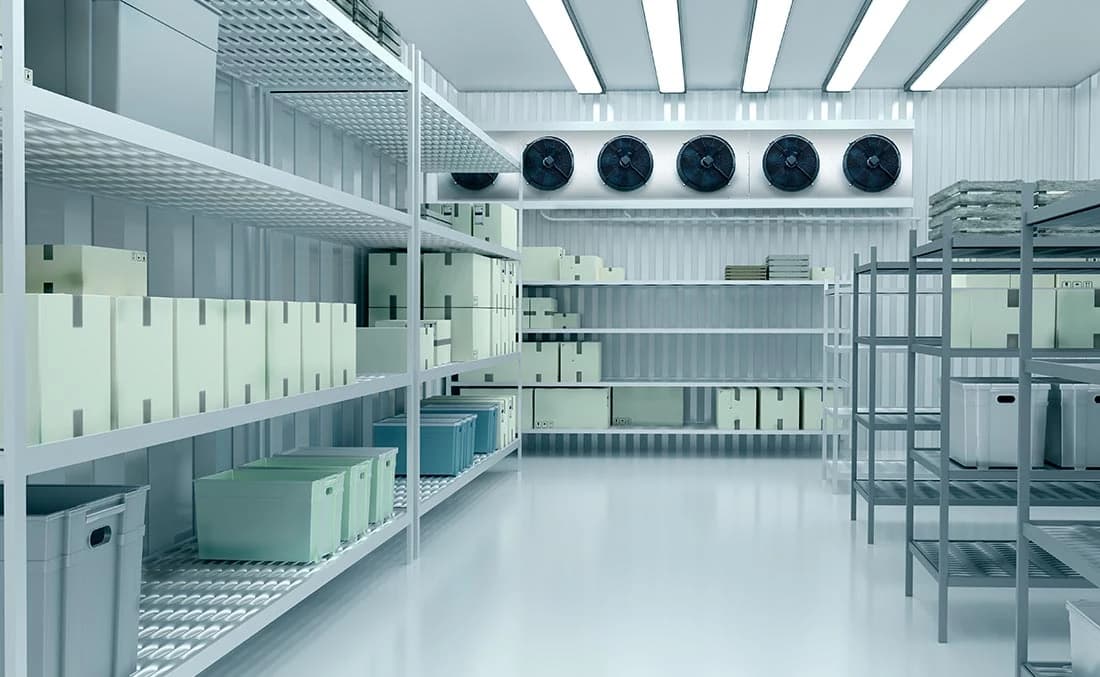
Consider an Atlas external-probe arrangement where the sensing point and display need to be in different locations.
Pharmaceutical and research storage
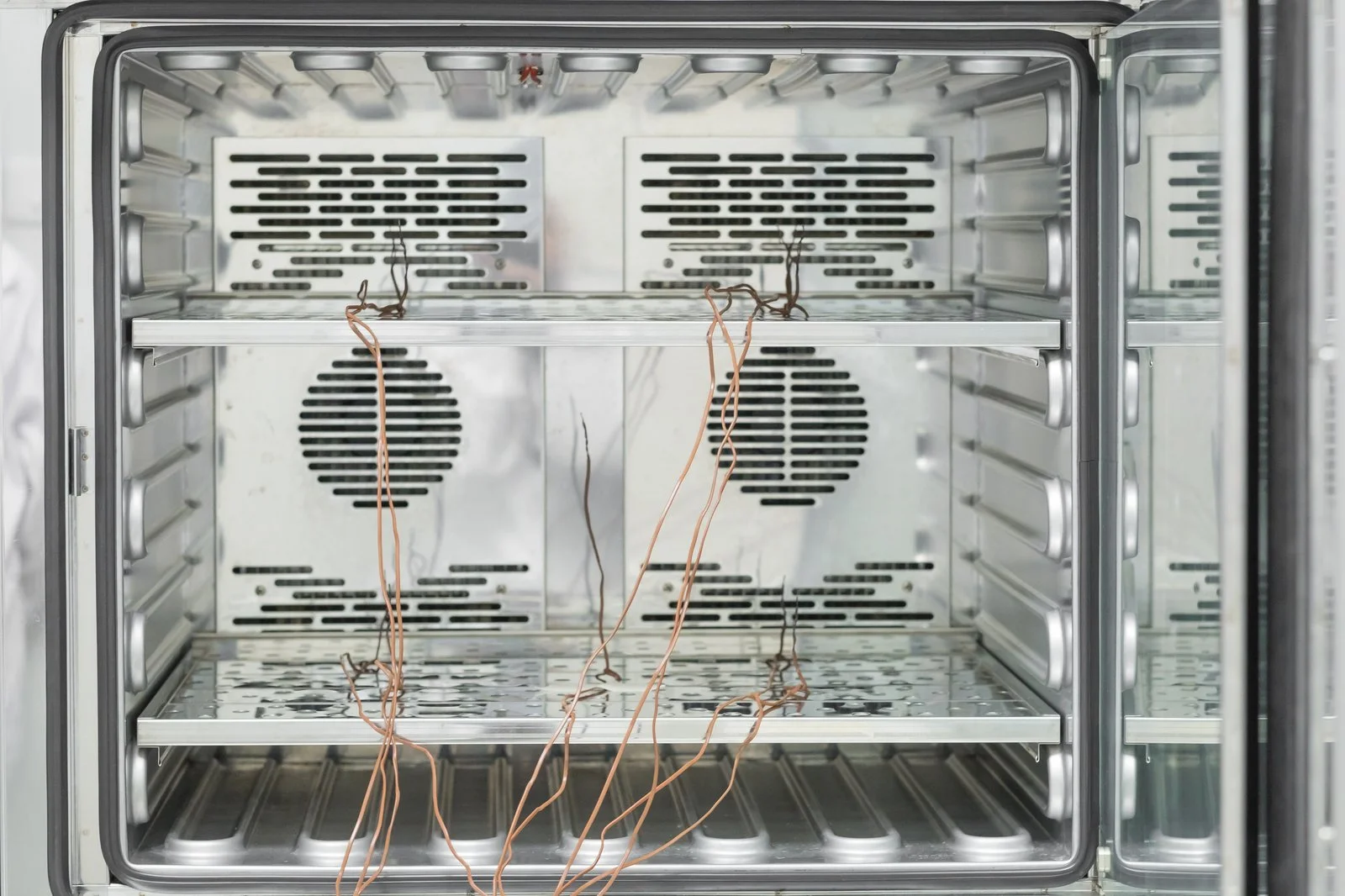
Select the model and measurement range for the controlled space, retaining the environmental report for review alongside the storage requirements.

Food storage and distribution
Use the selected temperature or temperature-and-humidity model to record conditions around sensitive stock during its defined storage or handling task.
Product enquiries
Start with the measurement location.
Share the temperature or humidity range, required recording period, probe location, and reporting needs. We can discuss a specific model and its configuration.
Enquire about this productDo all Fresh Keeper and Atlas Log models record humidity?
No. Fresh Keeper 1 has built-in temperature and humidity sensing, and Atlas Log-TH uses an external temperature and humidity probe. Atlas Log-30 and other temperature-specific Atlas variants should be selected for their stated temperature capability.
Which model should I choose for an external probe?
Atlas Log is the external-probe range within this listing. Share the required measurement range, sensing location, and cable arrangement so Celsius can discuss the appropriate Atlas model. Fresh Keeper 1 uses built-in sensors.